Everything about your kids. One place.
Turn school messages, screenshots, forms and everyday family information into organized events, tasks, reminders and things to bring — with AI suggestions you review before anything is saved.

Family information arrives everywhere.
Nothing about family logistics arrives in one place. It shows up as a message at 22:00, a photo of a note in a bag, a PDF from an activity, or a sentence someone said at pickup.
School messages. Activity updates. Forms. Appointments. Payment deadlines. Things to bring. The hard part is not receiving the information — it is remembering what needs to happen next.
- School notices
- Activity changes
- Forms and permission slips
- Appointments
- Payment deadlines
- Things to bring
From message to organized action.
Upload a screenshot, image or PDF, paste a message, type it yourself, or use supported share-to-app flows. Famenda can suggest the events, tasks, payment reminders and things to bring contained in the information.
You choose what Famenda sees.

AI suggests. You decide.
Famenda does not silently add AI guesses to your family schedule. Review the extracted information, correct anything that needs attention, and approve it before it is saved.
Nothing reaches your family schedule until you review it.
Organized around each child.
Each child has their own schedule, tasks, payment reminders, things to bring and history — while parents still get one clear family view.
- Events and appointments
- Tasks and deadlines
- Payment tracking and reminders
- Things to bring
- Original source history

Keep the right people in the loop.
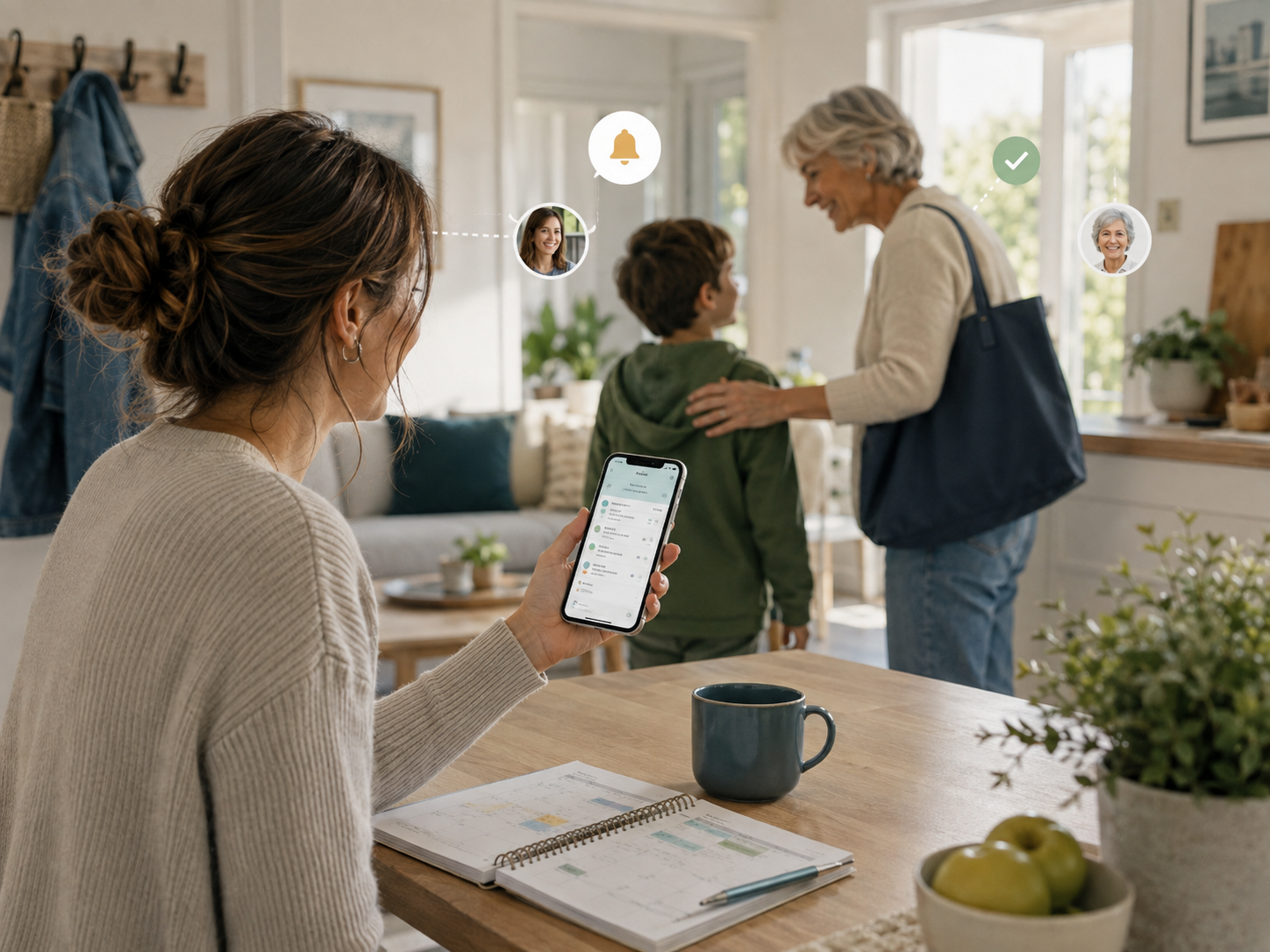
Send reminders to parents and selected family contacts, and securely share the parts of a child's schedule someone actually needs to see.
- Multiple reminder recipients
- Grandparents, babysitters and caregivers
- Secure share links
- No account required for a share viewer
- You control what is shared
Private by design.
Famenda does not connect to your WhatsApp account or scan your email inbox. You explicitly choose the screenshot, message, image or document you want to capture.
The original source stays private and connected to the information created from it, so you can always understand where something came from.
- You choose the source.
- The original stays private.
- You approve what becomes part of the schedule.
How Famenda works
- 01
Capture
Upload a selected screenshot, image or PDF, paste a message, type it yourself, or use a supported share-to-app flow. Nothing enters Famenda unless you choose it.
- 02
Understand
Famenda reads the content you provided and suggests the events, tasks, payment reminders and things to bring it can find. One message often produces several useful items.
- 03
Review
Every suggestion appears in a plain-language review screen. Fix a date, assign the right child, edit a title, remove what is not relevant, or add something that was missed.
- 04
Organize
Approved items are saved together and organized around the right child, across events, tasks, payment reminders and things to bring — then appear in Today and Week.
- 05
Remember & share
Add reminders for the people who need them, and share a limited view of one child's schedule with a caregiver when it helps.
Less family admin. More clarity.
Famenda helps turn the constant stream of child-related information into a system your family can actually follow.

Frequently asked questions
- Does Famenda read my WhatsApp or email account?
- No. Famenda does not scan your accounts. You choose what to upload, paste, type or explicitly share with the product.
- Does the AI automatically add things to my calendar?
- No. AI suggestions go through a parent review step before they are applied.
- Can one message create more than one item?
- Yes. One source can contain an event, task, payment reminder, things to bring or multiple related items.
- Can I share a child's schedule with a grandparent or caregiver?
- Yes. Famenda supports secure, limited sharing designed to show only the information you choose.
- Does Famenda process payments?
- No. Payments are tracking and reminder items only. Famenda does not process the payment itself.
- Does Famenda provide medical advice?
- No. Health-related use is limited to scheduling and organization, such as appointments. Famenda does not diagnose or provide medical treatment advice.
- Does Famenda support Hebrew?
- Yes. Famenda is designed for both Hebrew and English, including RTL and LTR layouts.
Bring your family's moving parts together.
Start organizing the information, schedules and reminders around your kids in one place.
Get started